
Onlab Studio Capture
Capture websites into Onlab Studio from your own Chrome. Each page lands on your canvas as layers you can edit.
Add to Chrome Add to Chrome
Free, for Chrome, Edge, Brave and other Chromium browsers on a computer.
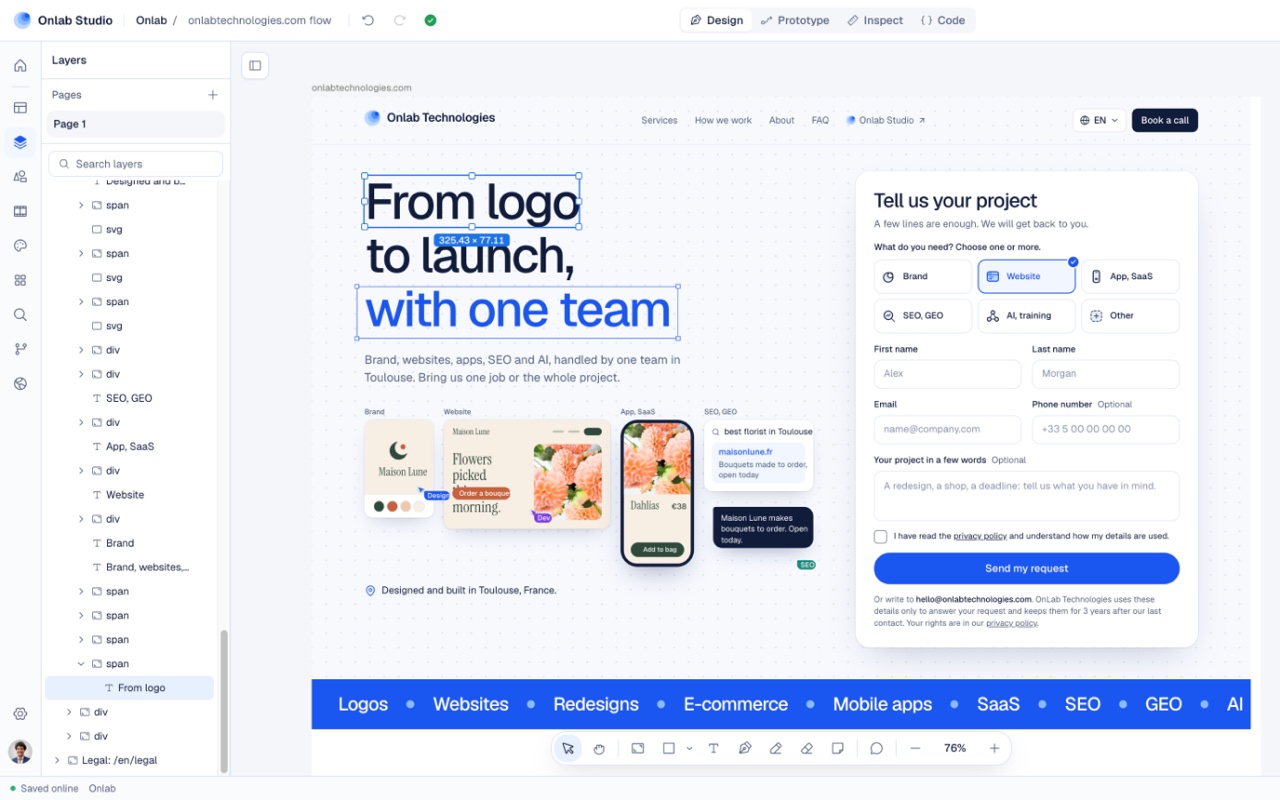
How it works
- Add it, then pin itClick the puzzle piece at the top right of Chrome, then the pin next to Onlab Studio Capture. Its button stays in sight.
- Start a captureOn any website, click the extension's button, then Capture. Or in Onlab Studio, open Import, then Capture a website.
- Edit what it readPages arrive as layers: text, pictures, fonts and colors. They link the way the site links them, so Preview clicks through them.
What you need
An Onlab Studio account on a paid plan, where captures land in the web app.
On the free plan, use the desktop app instead. It captures websites itself, without the extension.
What it may do, and why
- Read the pages you capture
- Chrome calls this permission "debugger". The extension opens the pages in a minimized window and reads them as Chrome's developer tools do. Chrome shows a bar while it runs.
- Work with onlabstudio.com
- Only there: it receives your capture requests, sends the pages back to your design, and checks that you are signed in.
- See the tab you are on
- Only when you click its button, to offer to capture that site.
Your data
The extension keeps nothing. Pages go only to your Onlab Studio design. They open with your own cookies, so a capture shows what you see when signed in. It never follows a link that signs you out, unsubscribes or deletes.
Read the privacy policyQuestions
Why does Chrome say the extension is debugging this browser?
That bar is how Chrome shows an extension reading pages. It goes away when the capture ends. Closing it stops the capture.
Some pages were skipped. Why?
Some sites block automated visits or take too long to load. The capture skips those pages and keeps the rest.
Can I keep using Chrome during a capture?
Yes. The pages open in a minimized window of their own. One capture runs at a time.
Does it work in Safari, Firefox or on a phone?
No. It needs Chrome or another Chromium browser on a computer. Anywhere else, the desktop app for Mac, Windows and Linux captures websites too.
How do I remove it?
Right-click its button, then Remove from Chrome. Or open chrome://extensions and click Remove. Your designs stay as they are.